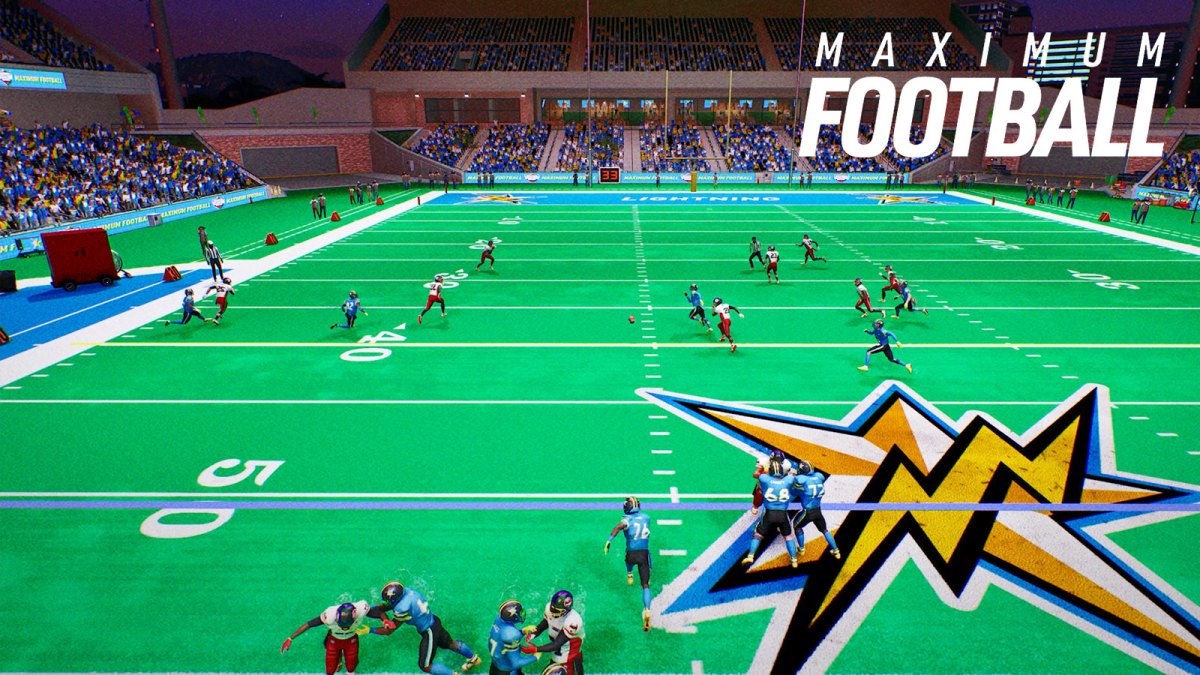
A new Maximum Football Update arrived this week, adding Franchise Mode and much more according to the Patch Notes. Manage a pro team and build a roster from the ground up as you pursue glory. Furthermore, you can continue your player's Dynasty Stories here, letting you watch them play out their entire career. Meanwhile, the Patch Notes mention many gameplay improvements. Without further ado, let's dive right in.
How to Play Franchise Mode in Maximum Football
Franchise Mode lands in Maximum Football on December 9th.
Get ready to take your game to the pro level. Watch our deep dive video to see what’s coming. pic.twitter.com/rDSMJmfRMX
— Maximum Football (@MaxFootballGame) November 10, 2025
To Play Franchise Mode in Maximum Football, you have one of three options:
To play Franchise Premium Mode – You need to either:
- Purchase the Franchise Premium Access from the game's store ($19.99 at launch) OR
- Purchase the Legend Pass ($39.99), which includes both Dynasty & Franchise
Both the Premium Access Pack and Legend Edition allow full access to Franchise mode with no need to worry about Tickets.
Otherwise, you need to use Tickets to unlock one full season. Therefore, you need to decide which mode (Dynasty or Franchise) you want to use your saved up tickets for.
Maximum Football Update – Full Patch Notes For December 9th, 2025
Gameplay improvements:
- Exhibition games can now choose between College and Pro ruleset at match setu
- Extended the injury system to allow more players to be able to receive injuries as a result of actions
- Improved animation selections so synchronized movements should occur much less frequently for a natural feel
- Fixed issues related to game clock not stopping in certain cases (running out of bounds during punt plays or when a change of possession happened)
- Re-enabled accelerated clock for MPL
- Disabled AI defense shifting during hurry up
- Disabled a situation where the kick returner could run after calling for a fair catch
- Blocker hurry up offense right before a two minute warning is about to trigger
- Fixed some gameplay issues in pass drills and pass defense drills
- Adjusted some defensive AI behaviors
- Added better visibility for favoriting plays
- Added more realistic reaction times for play recognition on defense
- Improved the starting position for the camera in manual replays
- Reworked motion controls to allow for smoother commands
- Allowed early snap for user during designed motion
- Added more animations, including swats, cuts, tackles and tackle breaks
Dynasty improvements:
- Fixed a save slot loading issue
- Enabled draft class export
- Fixed an issue where Dynasty-specific injuries were not carried over from one Dynasty match to another
- Moved facilities inside player improvements and renamed it to position installations to better align with Franchise design intentions
- Fixed some team color data issues on older saves
Customization improvements:
- Corrected some uniform issues and incorrectly mirrored helmet logos
- Fixed a jersey number visibility issue on most teams
- Player name saving after customizing will consistently trigger a save now
- Fixed some towel placement issues
Other improvements:
- Changed login fails handling to avoid transitioning users out of offline matches when losing connection
- Various audio improvements
- Added filter and sorting actions for logo panels
- Improved scroll functionality for gamepads
Bugfixes:
- Fixed a situation where defenders could stop after a pass
- Fixed an issue where the defender covering the carrier would not properly run pursuit logic
- Fixed an AI issue where punt return CBs would not move at the beginning of punts
- Fixed a delay in defense reactions when a ball is caught
- Fixed a potential softlock after a delay of game
- Fixed an issue where injured players could continue moving normally despite having just sustained an injury
- Fixed an issue where the Injuries panel in the in-game menu could display players who were not actually injured
- Fixed an issue with celebration models disappearing on preview
- Fixed a UI issue with Player 2 UI display in local multiplayer if Player 1 paused
- Favorite plays list now refreshes when a favorite is removed
- Fixed an infinite load issue in the Download tab of custom logos as a result of a specific button combination
- Fixed the user not being able to navigate in Explore tab after selecting a logo and switching pages
- Fixed an issue where adjusting input modes or mappings during the pause menu caused it to lose focus and let players move their characters behind the menu
- Fixed the user name UI failing to display in the host lobby screen
- Fixed a situation where Local MP buttons were overlapping
- Various bugfixes for drills
- Fixed the online leaderboard filter not working
Overall, that includes everything you need to know about the latest Maximum Football Update. We hope you enjoy playing Franchise mode!
Lastly, for more gaming and Football news, visit ClutchPoints. Furthermore, subscribe to our gaming newsletter for more weekly info.