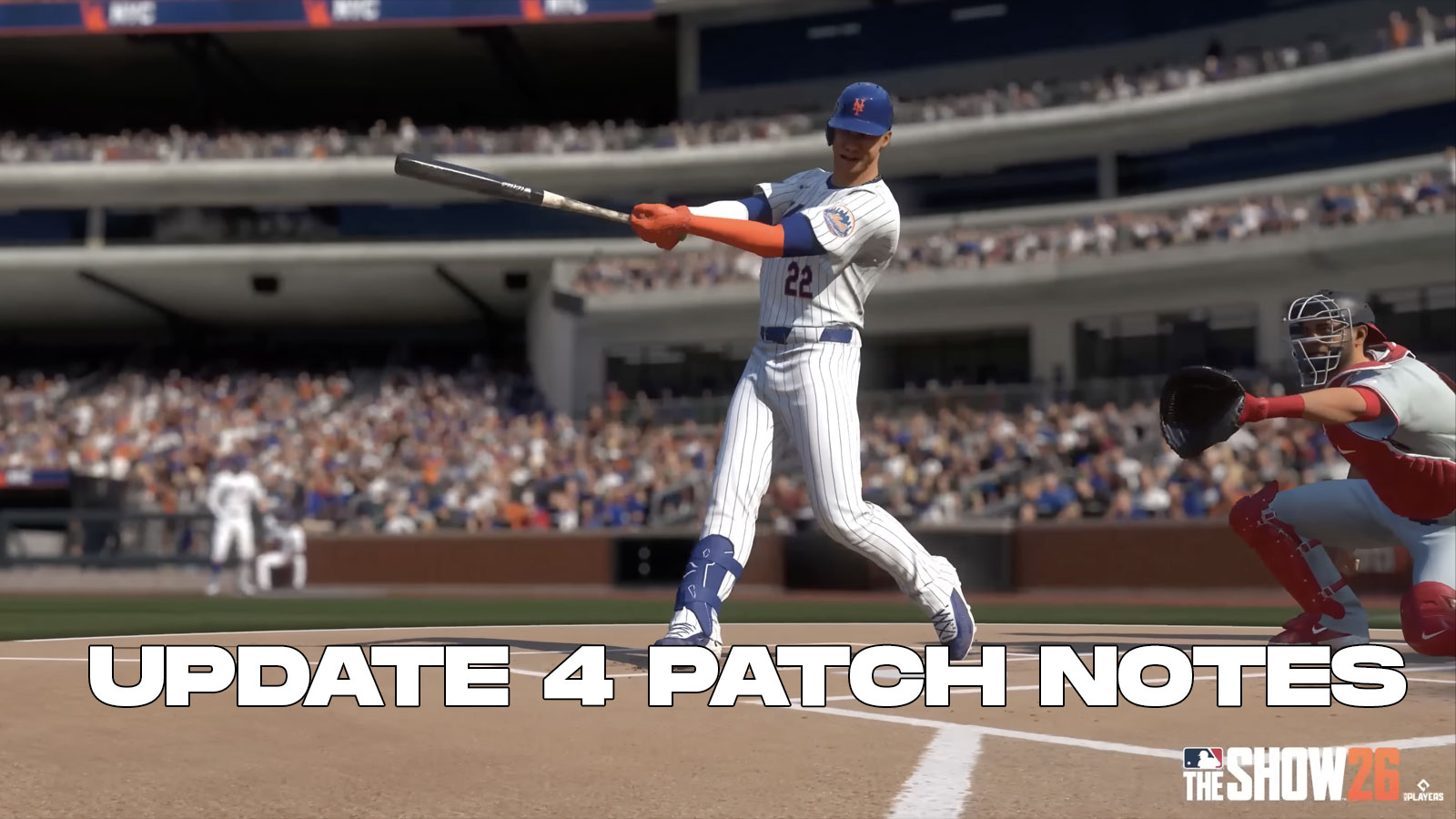
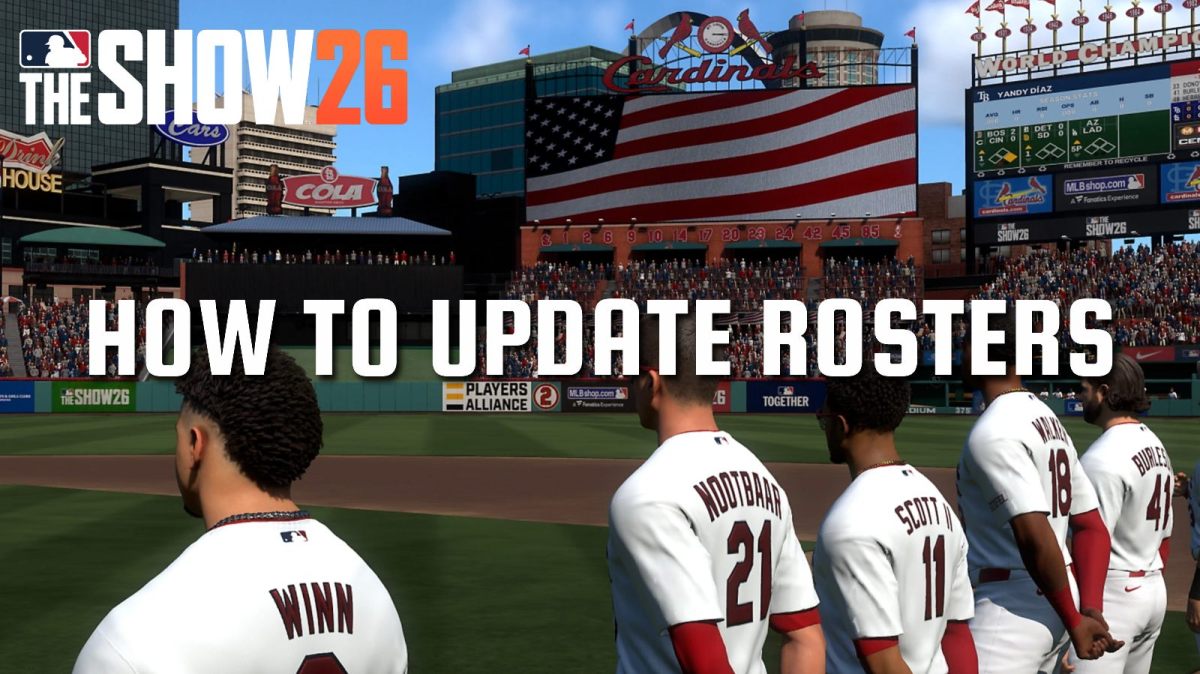
In MLB The Show 26, players can update their rosters too have the most accurate depth charts and lineups just like in real life. But how exactly do you update the rosters in MLB The Show 26? If a player gets traded, signed, promoted, or sent down to the minors, how do you make the game reflect that? In this guide, we'll how show you how to do just that.
How Do You Update Rosters in MLB The Show 26?
Early Access starts now! ⚾🙌
Time to leave your mark in #MLBTheShow 26! pic.twitter.com/jtlnKZ1EUM
— MLB The Show (@MLBTheShow) March 13, 2026
MLB The Show 26 uses an automatic “Live Roster”, letting you use updated rosters in Exhibition Modes. Whenever you first log into the game, it'll download the latest live rosters. However, if you want to use an Updated Roster in Franchise, just follow the steps below:
- Go to Settings
- Select “File Management”
- Select “Load” followed by “Roster”
- Select “Live Roster”
- When creating a new Franchise, use the option that says “Currently Active Roster”
- This will use your Live Roster
This process allows you to use the most updated rosters for MLB The Show 26's Franchise Mode. Keep in mind that the roster cannot be updated in an already activ Franchise. For example, let's say, hypothetically, that the Red Sox were to make a trade with a team like the Kansas City Royals on March 15th. If you started a Franchise on March 14th, you'd have to restart if you really wanted to see that change in effect.
Another thing to keep in mind is player injuries. Any player currently dealing with an injury may be unable to play. Thankfully, the game does offer you optiion to edit those injuries if you wanted to. So make sure to that into consideration before picking a team to play with.
Lastly, fans can also make use of the Vault, which allows you to download rosters created by other players. Throughout the year, we can expect to see more user-created rosters, which you may find more suitable to your liking. You can also download custom Stadiums, logos, and more with this feature.
Overall, that's everything you need to know on how to update rosters in MLB The Show 26. Keep this guide around if you ever need to update rosters again in the future. We hope it proved helpful in assisting your efforts to play with the most updated lineups the game has to offer. Expect many exciting things to happen throughout the year, which may affect rosters for all 30 teams in the league.
Lastly, for more gaming and MLB news, visit ClutchPoints. Lastly, subscribe to our own gaming newsletter for more weekly info.